
Your WordPress Site Is Slow, and It’s Costing You Rankings
Most WordPress sites I audit are dragged down by the same handful of things — a bloated theme, ten plugins doing the work of three, no caching, and images nobody ever compressed. I fix the technical side so Google can actually rank your pages, and so visitors don’t leave before they load.
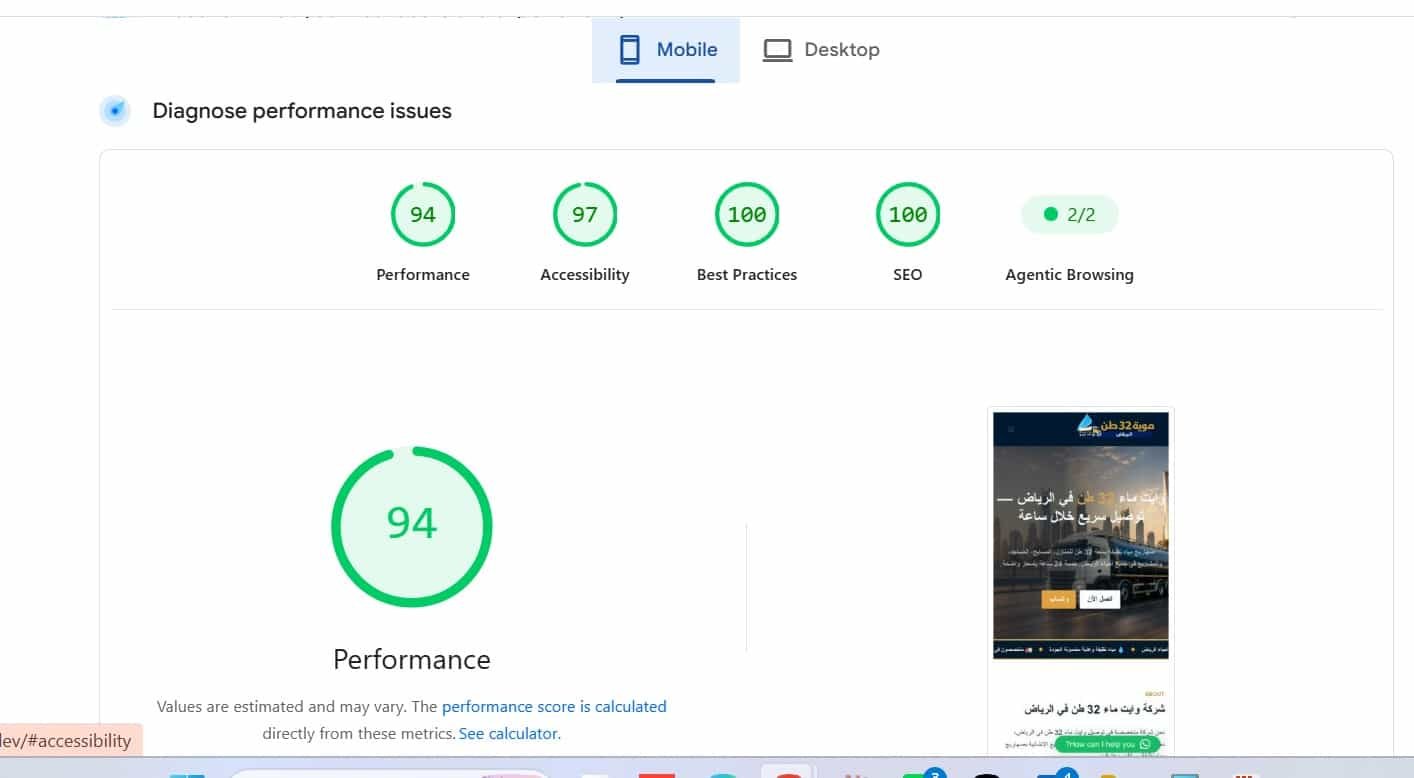
Where I aim to get you. A green Core Web Vitals score on mobile — the version Google actually judges you on.
Signs Your WordPress Site Is Holding You Back
If two or three of these sound like your site, that’s usually why the rankings aren’t coming.
Pages take three, four, five seconds to load — especially on a phone.
You’ve installed an SEO plugin but never really set it up past the defaults.
PageSpeed Insights shows red, and you’re not sure which numbers even matter.
You publish content but nothing links to it, so nothing ranks.
Fifteen plugins are active and you’ve forgotten what half of them do.
Images go up straight from a phone or camera — two, three megabytes each.
What WordPress SEO Actually Involves
Not vague promises — the specific work that moves a WordPress site up the rankings.
Speed & Core Web Vitals
Caching, image compression, lazy loading, and clearing out the render-blocking scripts that keep your LCP high. The goal is a green mobile score, because that’s the one Google grades.
Rank Math Configured Properly
Most sites run an SEO plugin on default settings. I set up titles, sitemaps, schema, redirects and the little details that most people never touch — the parts that actually do the work.
Schema Markup
Structured data that tells Google what each page actually is — a service, a business, an FAQ — so you’re eligible for rich results instead of a plain blue link.
Internal Linking
The unglamorous fix that moves more rankings than people expect — connecting related pages so link equity flows and Google understands how your content fits together.
On-Page Optimisation
Titles, meta descriptions, heading structure, alt text and content mapped to real keywords — done page by page, not with a plugin’s one-click button.
Security & Clean-Up
Removing plugin bloat, fixing broken links, cleaning the database, and closing the gaps that slow a site down or leave it exposed. A lean site is a fast site.
The Tools I Actually Use
No mystery methods. This is the same stack I build and run my own sites on.
I Don’t Just Talk WordPress — I Live In It
This site you’re on right now runs on WordPress, Kadence Pro and Rank Math. Every technique I’d use on your site, I’ve already tested on mine first.
That matters because WordPress SEO isn’t one skill — it’s speed, plugins, schema, structure and content pulling in the same direction. Someone who only knows one of those tends to break the others while fixing it. It’s the same technical foundation that sits underneath my local SEO services and every SEO service I run.
When I hand a site back, it’s faster, cleaner, properly structured for Google, and easy for you to keep running without needing me for every small change.
Pair It With the Right Services
A fast, clean WordPress site is the foundation. These are what build rankings and leads on top of it.
Let’s See What’s Slowing You Down
Send me your WordPress site and I’ll run it through a proper audit — speed, technical health, on-page and structure — then show you exactly what’s holding your rankings back. Free, within 48 hours.